Google’s GBP photo gallery now sorts by upload date –newest first. That sounds like a tiny interface change, but it changes the practical value of uploading fresh photos.
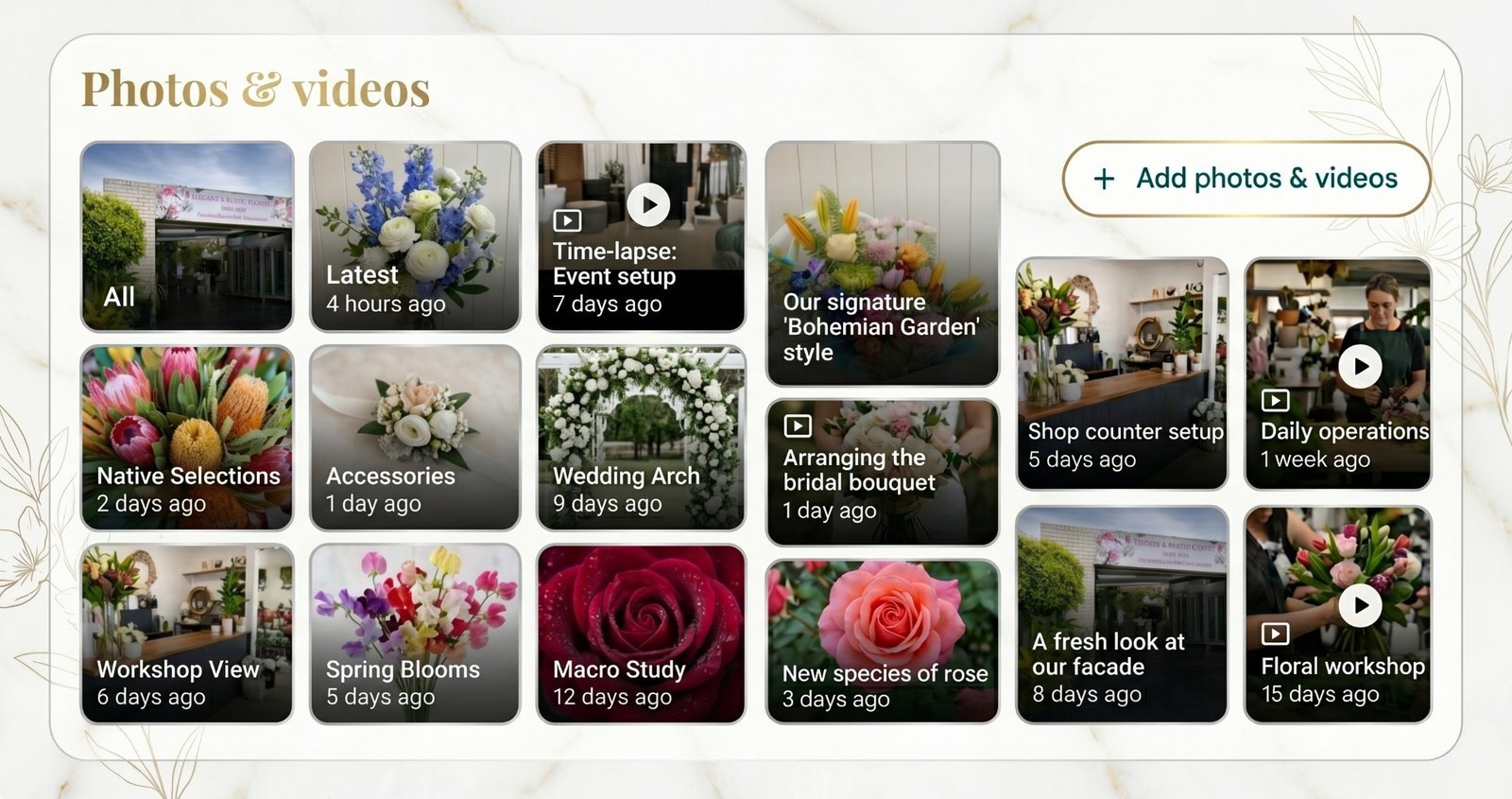
Google quietly updated the Google Business Profile photo gallery in May 2026. A Google Business Profile, or GBP, is the free listing every business has on Google Maps and Search. The photo gallery is the dedicated photos section of your GBP. It appears directly on your Maps listing and within that right-side Search panel, allowing customers to tap in and swipe through your visual content.
Until now, many owners have uploaded their “best” photos once and left them there. That strategy just got weaker. If the newest owner-uploaded photos sit at the top, weekly uploads are no longer administrative busywork. They are a simple, predictable way to control the first impression on your profile.
What actually changed
Google’s May 2026 GBP newsletter described the update plainly:
"We've updated Google Business Profile to sort photos and videos by upload date."
The announcement also explained what this chronological setup replaces:
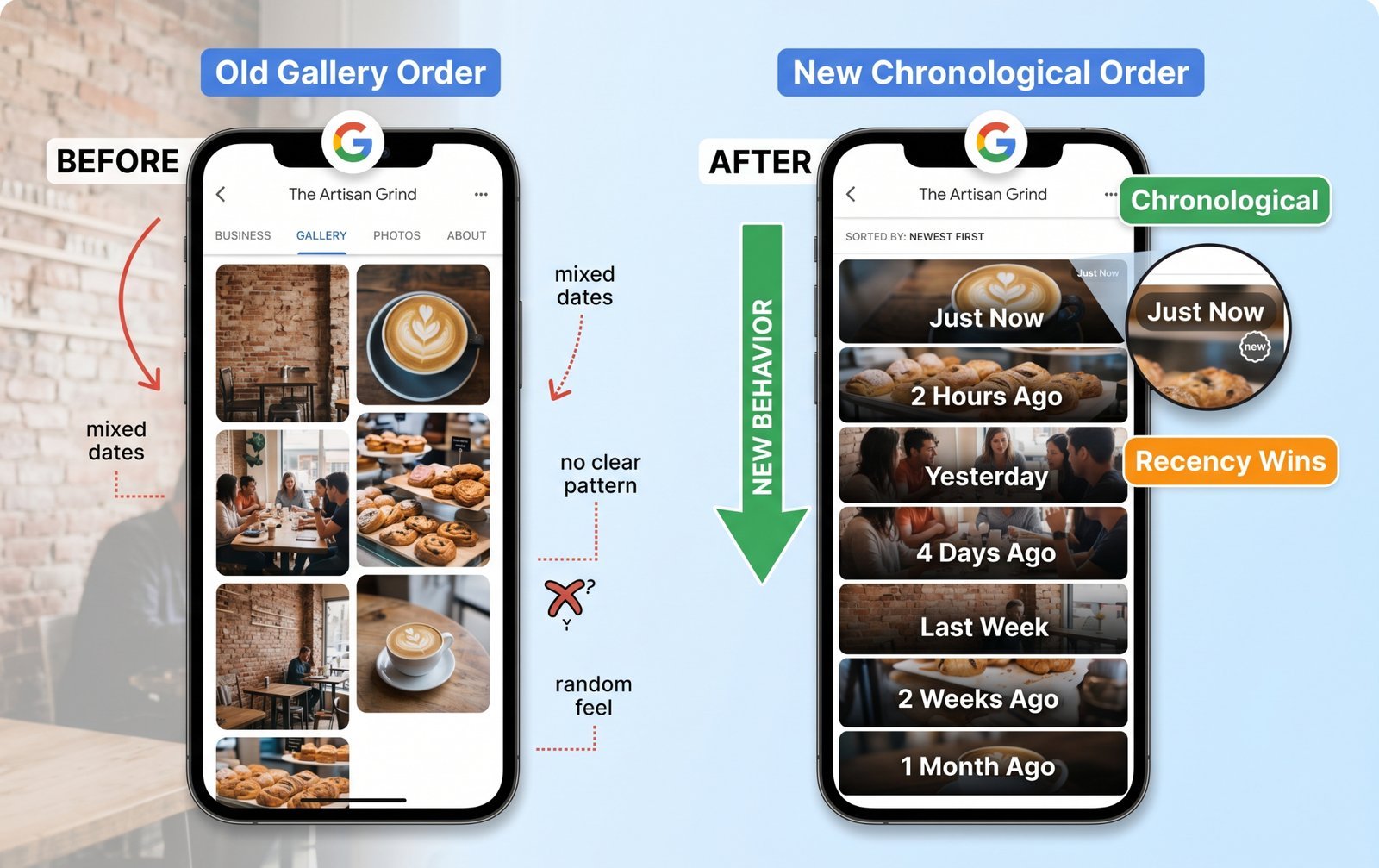
"Previously, the gallery order could feel unpredictable. Now, your newest content stays at the top so you can see updates instantly—and easily manage older assets—without the scrolling."
And the reason Google gave was practical:
"Whether you're adding one photo or managing assets in bulk, your gallery is now faster and more predictable to navigate."
Before this change, the gallery order was completely opaque from the business owner’s perspective. Google would surface an old interior photo, a product shot from two years ago, or a customer image based on undisclosed algorithmic factors. The mix depended on image quality, perceived usefulness, historical engagement, taps, and views. You could upload a spectacular new hero shot and have no idea whether customers would ever see it first.
Now, for any owner-uploaded photo—meaning a photo added directly by the business through the GBP dashboard rather than by a reviewer—the order is deterministic. The upload date is the exact timestamp Google records when a file is added to your profile. This is distinct from the date the photo was actually taken, which Google sometimes reads from the image's embedded EXIF data (metadata containing camera models, capture dates, and GPS coordinates). While Google uses EXIF data for background quality and verification signals, it no longer uses it to order your gallery. If you upload a photo today, it occupies position one until you upload something else tomorrow.
There are two critical boundaries to keep in mind:
- Customer photos are unaffected: A customer photo is an image added by a regular Google user, usually attached to a local review. These are stored in the same master gallery but live in a separate tab with its own distinct ordering logic. Google's chronological update applies strictly to the owner-uploaded section.
- The search thumbnail strip is separate: The small strip of thumbnail images Google displays directly on the main Search results page remains a curated system. Google’s automated systems still select the "most useful" photos for those thumbnails based on the user's specific search query.
This update alters the gallery sorting system rather than the core ranking algorithm. However, it carries immense strategic weight because customers frequently tap into galleries to evaluate a business, and Google has finally given owners direct control over what those customers see first.
Why this is a bigger deal than it looks
- Recency is now a strategy lever.
If the newest photos sit at the top, your latest uploads shape the first few images a customer sees. That makes your gallery feel current or neglected very quickly. A business whose last photo upload was in 2023 now looks stale the moment someone opens the gallery. A business uploading one useful photo each week looks active without doing anything dramatic.
- Seasonal businesses get a free win.
A garden centre can upload spring stock in spring. A florist can push Mother’s Day arrangements before Mother’s Day. A restaurant can show its winter menu when winter starts. Before, you had to hope Google surfaced the right seasonal shot. Now, you upload the seasonal shots, and they rise to the top.
- Mobile gallery taps matter more than ever.
On mobile devices, users rarely scroll through a business's entire media archive. They tap an image, swipe through the first three or four photos, and make a rapid commercial judgment. Because those initial slots are now governed entirely by your latest activity, you have a direct curation opportunity—and a significant responsibility. If your most recent uploads are blurry, accidental, or off-brand, you are actively placing your worst assets in your most valuable digital real estate.
Visual content has always carried a measurable performance impact. According to data on page 10 of Google’s2026 GBP Best Practices Playbook:
- Businesses that add photos to their Business Profiles receive 42% more requests for directions on Google Maps.
- 90% of people are more likely to visit your physical location if you maintain photos on Google Search and Maps.
- Profiles containing photos experience a 35% increase in click-through rates to their websites.
As Google summarises in the playbook: "High-quality photos and videos tell your story, show what makes you unique, and help customers see why they should choose you." The sorting change is mechanically minor, but the operational behaviour it rewards is profound.
What to do this week
- Audit your last 5 uploads. Open your GBP photo gallery and look at the top five owner-uploaded photos. That is now your first impression inside the gallery. Are they current, on-brand, and useful? Do they show what customers actually care about? If not, your next five uploads should fix that.
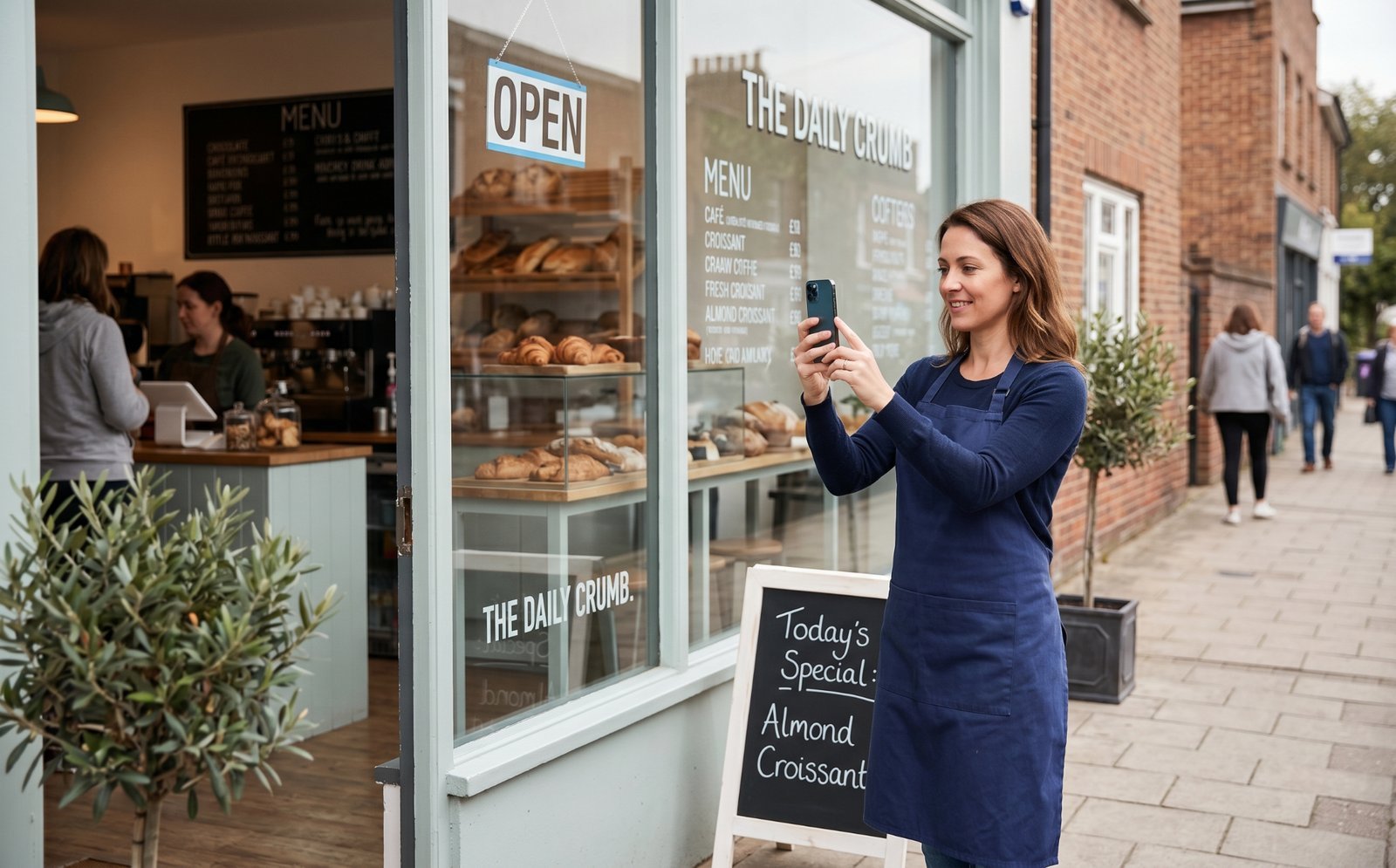
- Set a weekly photo cadence. It does not need to be a professional shoot. One real phone photo per week beats no photos for six months. Aim for variety: an interior shot, exterior shot, product photo, team photo, service-in-progress photo, or customer experience photo with permission.
- Plan for seasons. If your business has seasonal swings, front-load each season with five to ten fresh photos in the first week. A café can show a new seasonal menu. A dental clinic can show updated reception or team photos. A retailer can show new stock. Those photos will stay visible until you upload newer ones.
- Don't delete old photos to "make room." Old photos now sit lower in the gallery, which is fine. They can still help Google verify what your business offers. A photo showing parking, outdoor seating, signage, accessibility, products, or equipment may still support discovery and trust. Push old photos down with new uploads. Do not delete useful evidence.
- Brief whoever manages your GBP. If a staff member, VA, or marketing person handles uploads, this needs to be part of their routine. “We updated the gallery last quarter” is no longer good enough. The better habit is “we add one useful photo every week.”
A bigger trend underneath this
Google has been nudging GBP toward freshness for a while. Posts, holiday hours, current services, recent photos, product updates, and booking signals all point in the same direction. A profile that looks alive is more useful to customers than one that was technically completed two years ago.
Businesses that ignore this usually do not get punished loudly. They just become easier to overlook. Their hours look less trustworthy. Their photos feel dated. Their products look out of season. Their competitors look more current with very little extra work.
If you want the bigger picture on how freshness now feeds the AI layer of Maps, read our piece on Ask Maps — published this week.
The bottom line
A predictable gallery sort gives business owners a clear, manageable workflow: keep the top of the deck fresh. Integrating this into your weekly administrative routine takes fewer than ten minutes, yet it protects your local conversion rate from gradually slipping away to local competitors who adapt to the chronological layout first.
You canrun a free local SEO audit at checklocalseo.com to see if your most recent photo upload is older than 30 days and discover exactly where else your profile might be dropping critical freshness signals.
Frequently Asked Questions
Does this change affect the photos shown directly in Google Search results, or just the gallery?
It changes the internal gallery view that loads when a user explicitly clicks or taps on your photos. The small thumbnail strip visible on the primary Google Search engine results page is still controlled by a separate curation algorithm that selects images based on contextual relevance to the user's search query. However, maintaining a fresh gallery ensures that the pool of images Google selects from remains completely up to date.
Do customer-uploaded photos also sort strictly by date now?
No. The May 2026 announcement specifically targeted the owner-uploaded photos and videos section. Customer-uploaded photos remain in their own distinct tab and rely on a separate sorting system driven largely by user engagement, helpfulness votes, and relevance.
Will Google penalise my listing if I upload a large batch of photos at once?
No, there is no penalty for bulk uploads of legitimate, original business photos. If you need to add ten or fifteen photos to showcase a new location or product line, you can do so safely. Just ensure you are uploading genuine, contextually relevant images rather than repetitive duplicates or stock photography.
Should I delete older photos to make my new ones look prominent?
You should leave your older photos online. While they will naturally drift further down the gallery timeline, they still serve as valuable indexable evidence for Google's local search systems. Older photos help verify structural attributes, confirm geographic location details, and establish long-term business legitimacy.
My business looks identical week to week. What should I actually upload?
You do not need radical novelty; you need regular coverage. Try capturing your standard storefront or workspace from alternative angles, taking a behind-the-scenes shot of your daily preparation, highlighting a specific tool or product feature, or documenting seasonal shifts like holiday decor or changing weather context outside your door. Variety and consistency matter far more than visual drama.
New here? See how the free audit works — photo recency is one of the checks it runs.